

Hundreds of accounts.
One clear view.
Connect without sharing a password. Bring followers, views, videos, and product link status together. Flag Showcase restrictions and keep account sourcing and costs on record.


Owner · Bear · US · 3 videos · Top views
Owner · Ying · US · 4 videos · Showcase
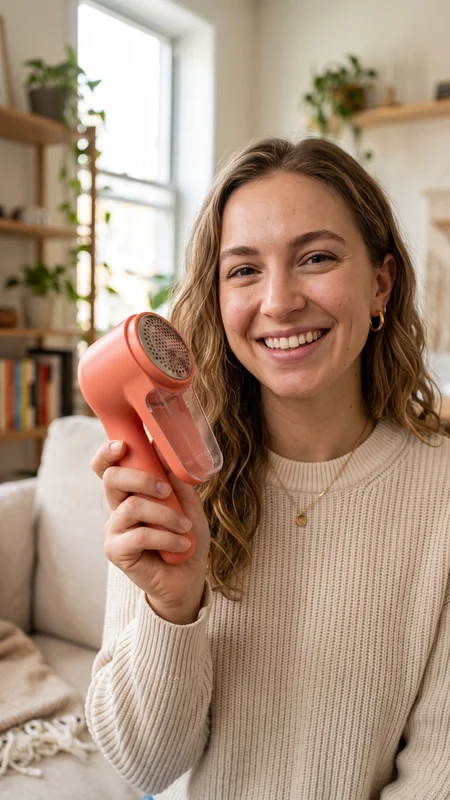 Product linkIllustration3.5K
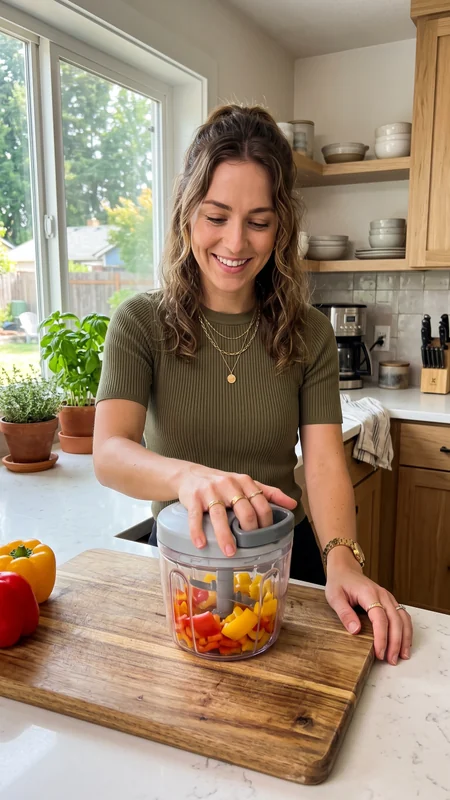 ViralIllustration24K
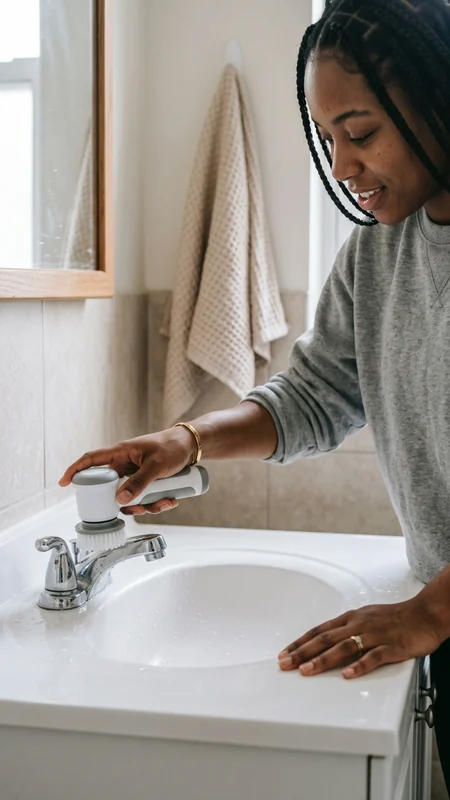 Product linkIllustration4.5K
Every account. Every video.
Know what needs attention.
Connect through QR authorization to track profiles, videos, product links, and views. Keep growing accounts and issues in sight as your portfolio expands.
Your whole portfolio in one place
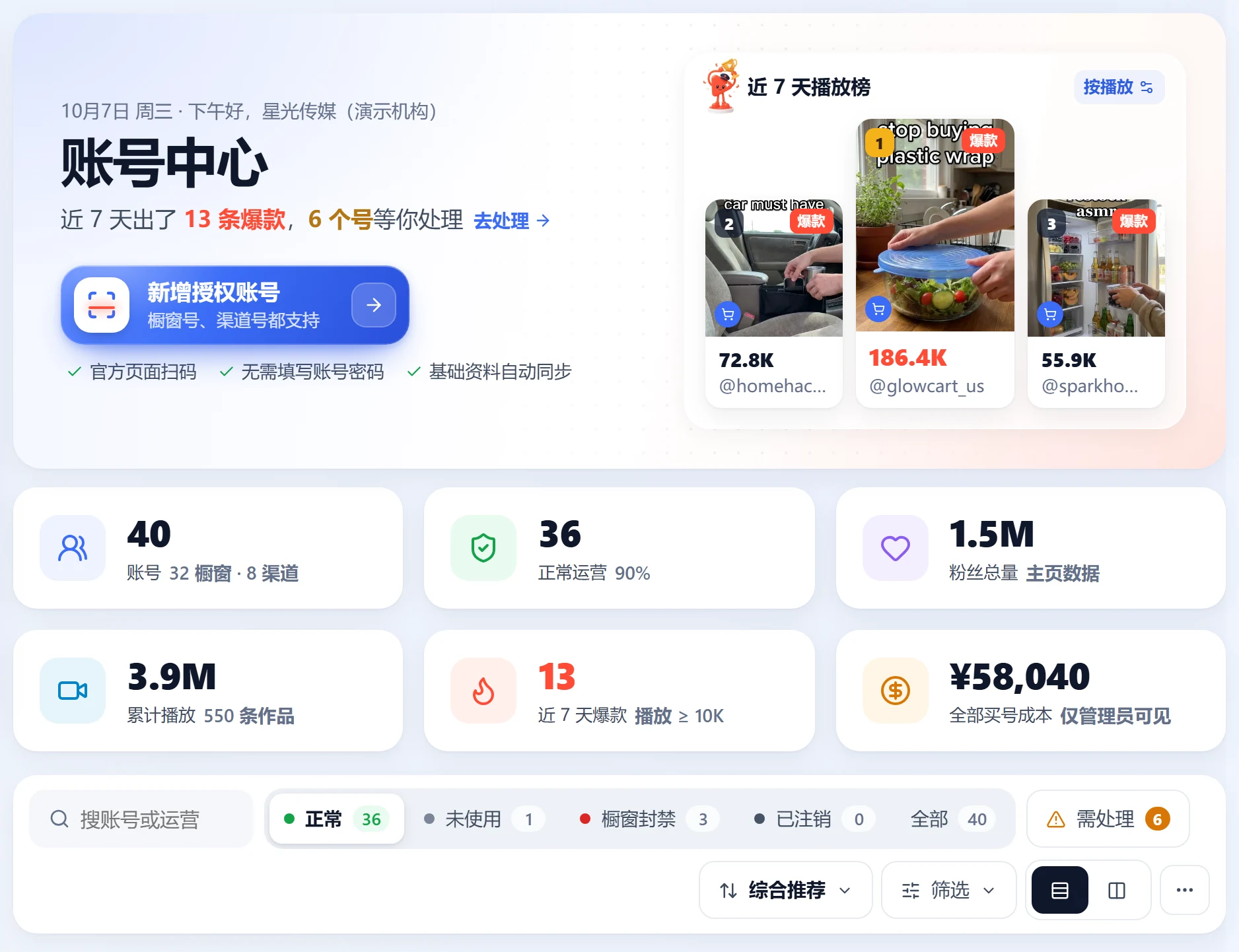
See portfolio totals above individual account cards: owner, followers, views, recent sales, and activity. Know which accounts are posting, growing, selling, or inactive for seven days.
- 1QR authorizationScan to authorize without sharing login details. Profiles and orders sync after connection.
- 2Automatic daily refreshAll active accounts refresh at 9 AM Beijing time. Manual batch refresh focuses on accounts that post, grow, sell, or are marked for monitoring.
- 3Activity labelsPosting means a video in the last 7 days. Growing means shoppable video views rose by 1,000 or 20% over the previous day. Selling means orders in the last 7 days.
- 4Restricted cost visibilityPurchase costs recorded in inventory carry over to the matching account for cost accounting and allocation.
 Open full-size image
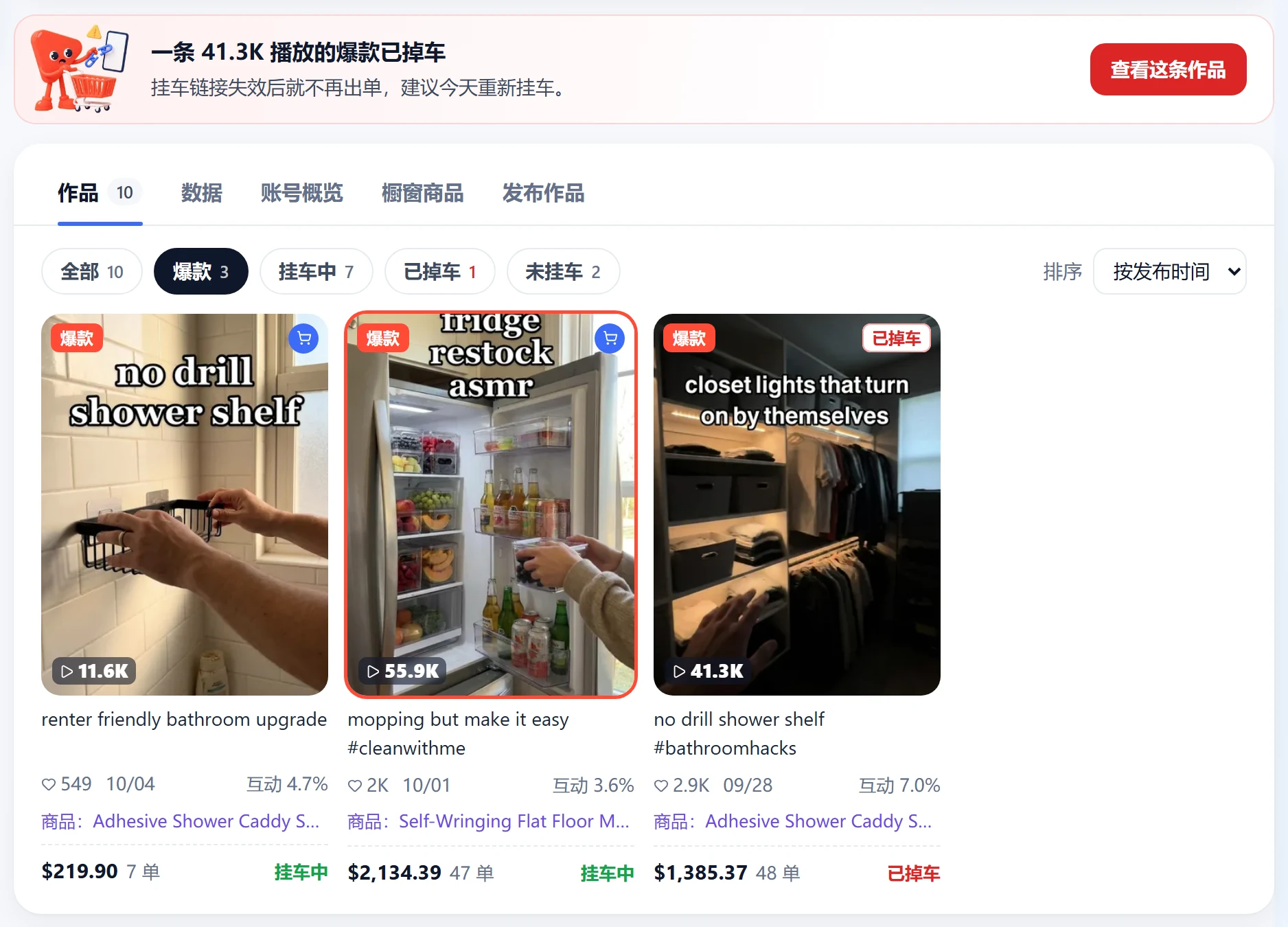
Know which videos still have product links
Open an account to see recent videos, views, likes, commerce status, and viral flags. The default viral threshold is 10,000 views and can be changed.
- 1Product link activeA video is marked linked only after the system confirms its product link.
- 2Product link removedRemoval is flagged only when a previously confirmed product link is no longer present.
- 3Automatic Showcase checksIf a previously visible Showcase disappears, the account is flagged. Orders continue syncing for 48 hours, followed by daily refund and settlement updates for 30 days.
 Open full-size image
Track the source, owner, and cost
Staff request accounts, leads or business staff approve, and accounts are assigned from inventory. Staff can then access credentials and authorize accounts, with an audit trail throughout.
- 1Account inventoryRecord the account, encrypted password, type, market, cost, 2FA, and email.
- 2Requests & approvalsStaff can request 1–20 accounts with a reason. Team leads, department leads, or business staff approve.
- 3Credential access logsEvery password view is logged, so owners can see who accessed it and when.
- 4Matched purchase costsWhen a staff member authorizes a matching account, its purchase cost carries over into Profit & cost.
Do I need to share my password to authorize?
No. Scan the authorization QR code. Star Captain does not receive or need your password for this connection.
How often do views update?
All active accounts refresh at 9 AM Beijing time. Additional manual refreshes depend on your plan.
Can I still see orders after a Showcase restriction?
Yes. Normal sync continues for 48 hours, then daily refund and settlement checks continue for 30 days before stopping.
TikTok accounts: practical guides
Actionable checklists, from general workflows to using Star Captain. Guide articles are currently available in Chinese only.
Your TikTok team. In sync.
Start free with Spark: 20 accounts and automatic order sync. Upgrade as your accounts and team grow.